Infer data in InfoAsset Manager
Infer missing values in your network.
Infer data in InfoAsset Manager
Step-by-step guide
While working in InfoAsset Manager, there may be either missing or inconsistent data. Some parameters may be missing because a survey was not completed, or because of incorrect user input.
To fill in this missing information quickly and easily, use the Inference tool to populate these fields. Missing network values can be inferred from existing data, allowing gaps in data to be filled with reasonable values. For example, if the width of a pipe is missing, but the width of the pipe immediately upstream is known, it is reasonable to assume that the missing width is the same.
Before missing values can be inferred, the required inference parameters must be set up in the Inference object.
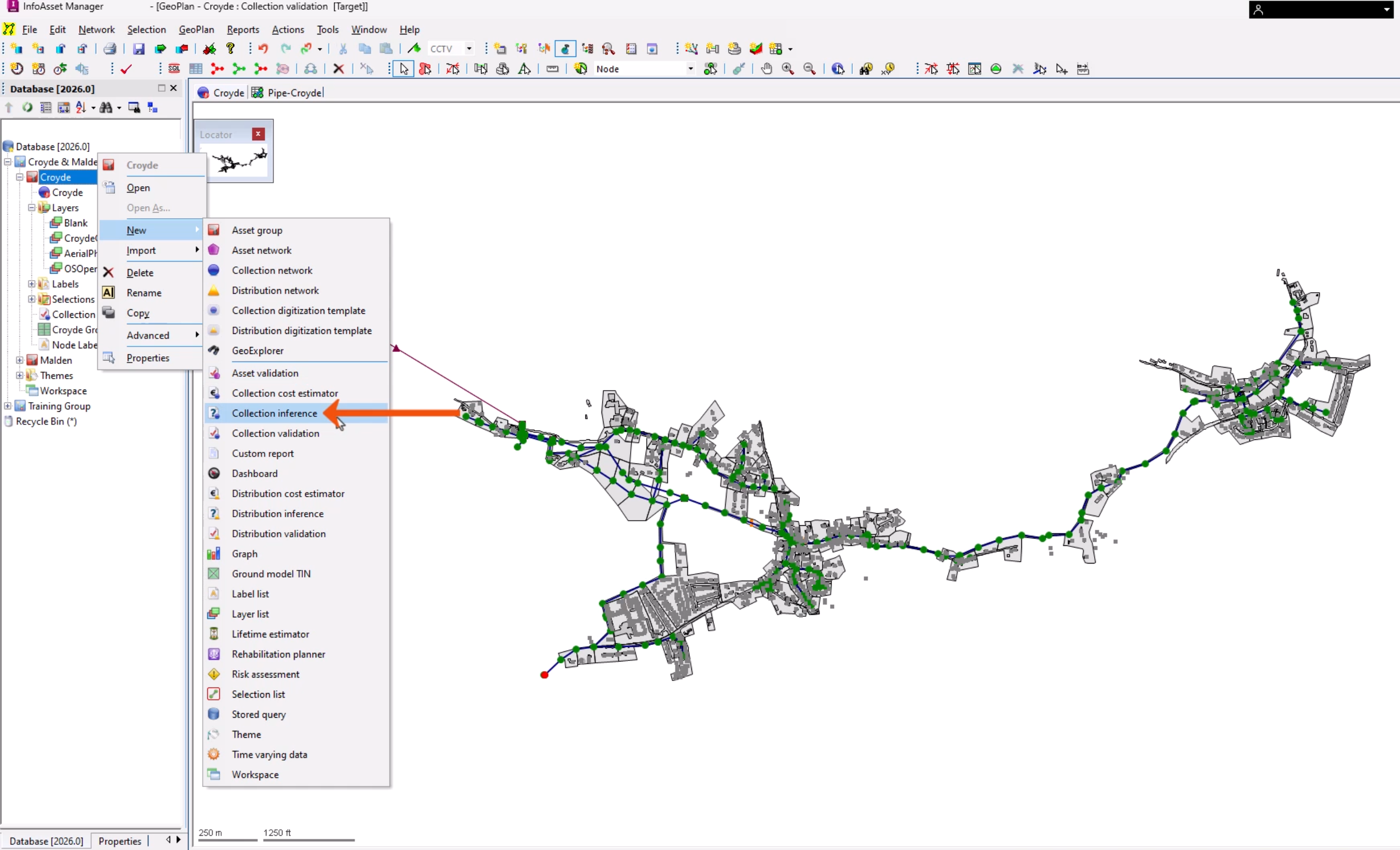
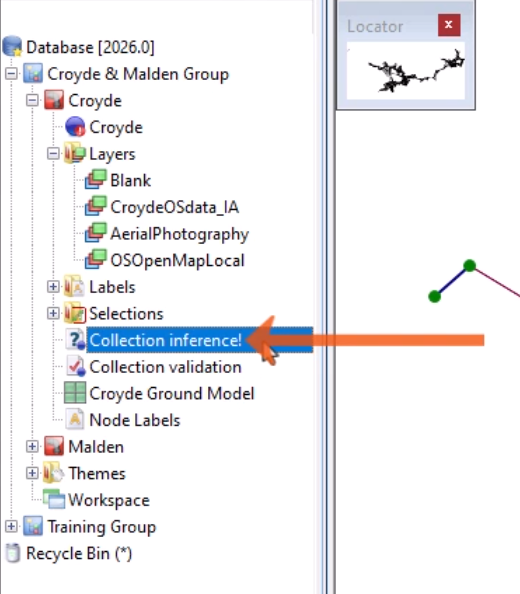
- From the Explorer window, right-click an Asset Group and select New > Collection Inference.
- In the New Name popup, enter a name.
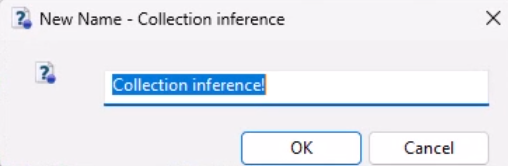
- Click OK.
- Double-click the new object to open the Inference Data Editor.
The Inference Data Editor includes a list of inference rules that can be applied to the network to try to fill in missing values.
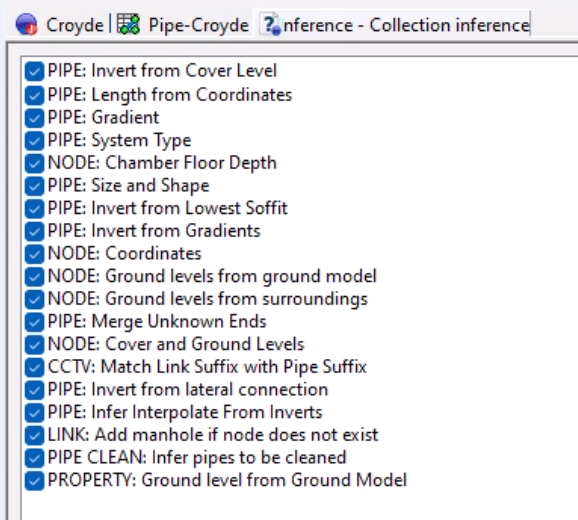
- Use the Up and Down buttons to reorder the inference rules.
- Use the All and None buttons to select all rules, or to clear all rules.
- Select or deselect rules using the checkboxes next to each name.
- Select a parameter, such as PIPE: Size and Shape, to see a description and to review if the parameter can be edited.
- Optionally, from the Flag Inferred Values drop-down, add a flag, such as INF. This is useful to indicate that the data has been inferred rather than updated from another source.
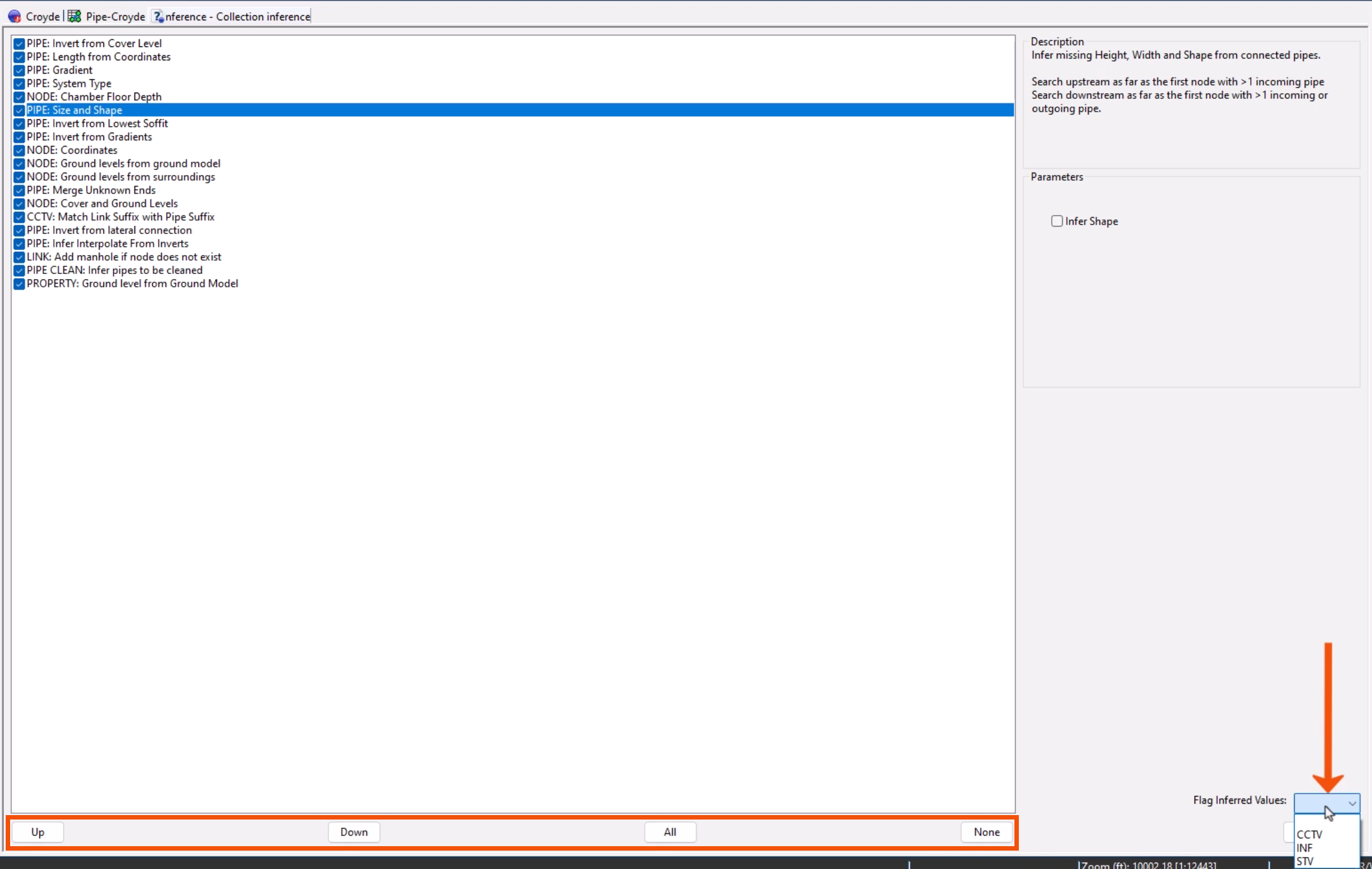
- When the rules to be applied are configured as needed, click Save.
- Close the editor.
To run inference rules to infer values from a ground model:
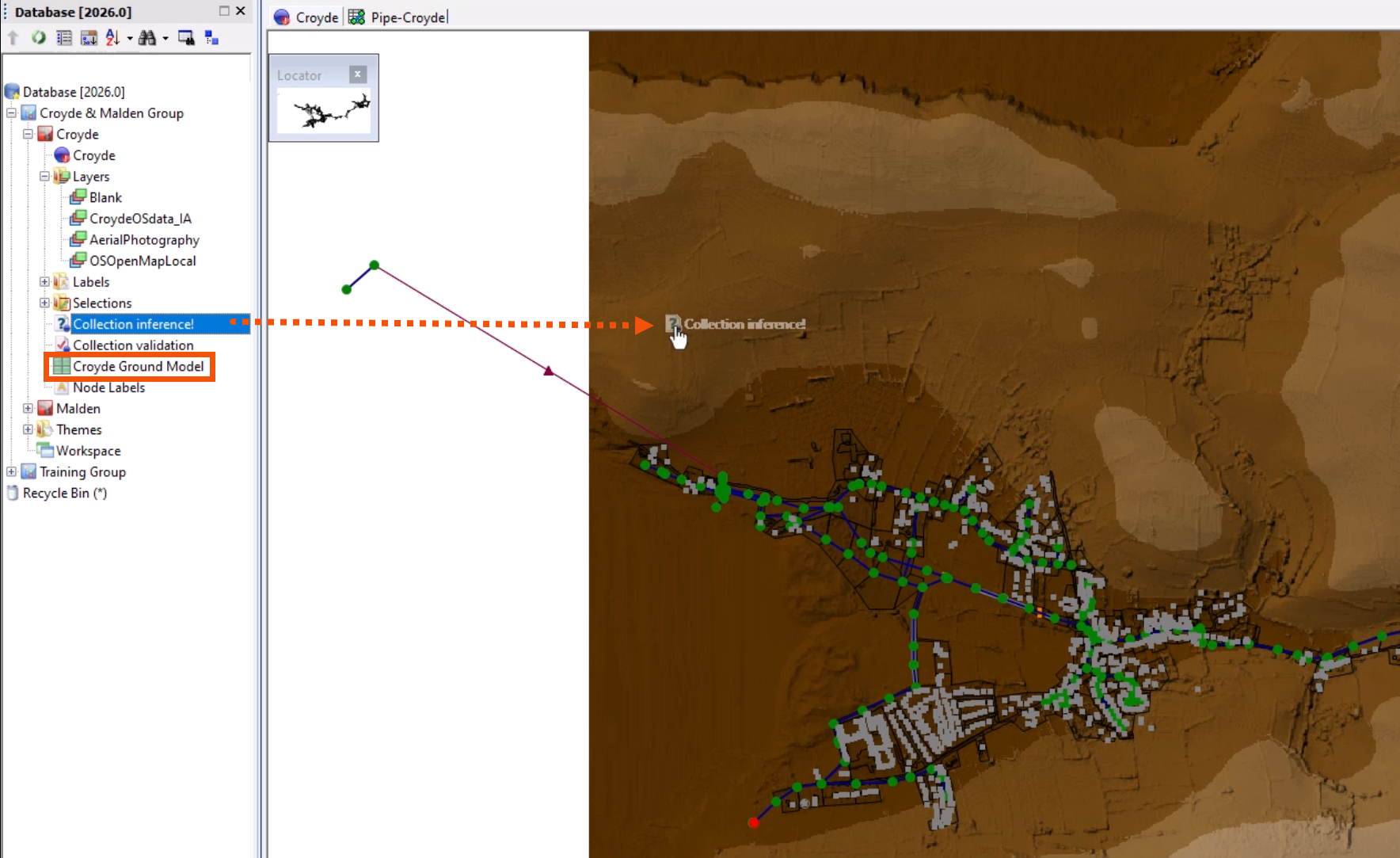
- From the Explorer window, drag the Ground Model and drop it onto the GeoPlan.
- Drag the Inference object and drop it onto the GeoPlan.
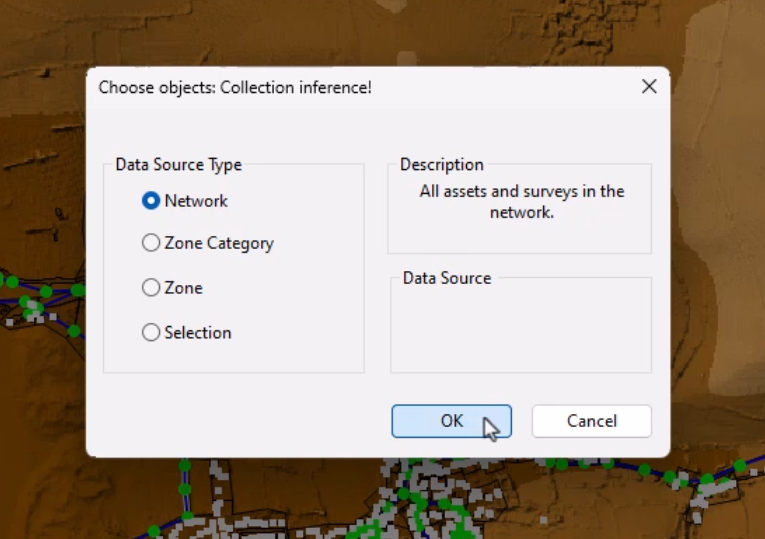
- In the Choose objects dialog, select whether to infer missing values over the entire Network, within a Zone, for all zones in a Zone Category, or using the current Selection. In this case, select Network.
- Click OK to carry out the data inference process.
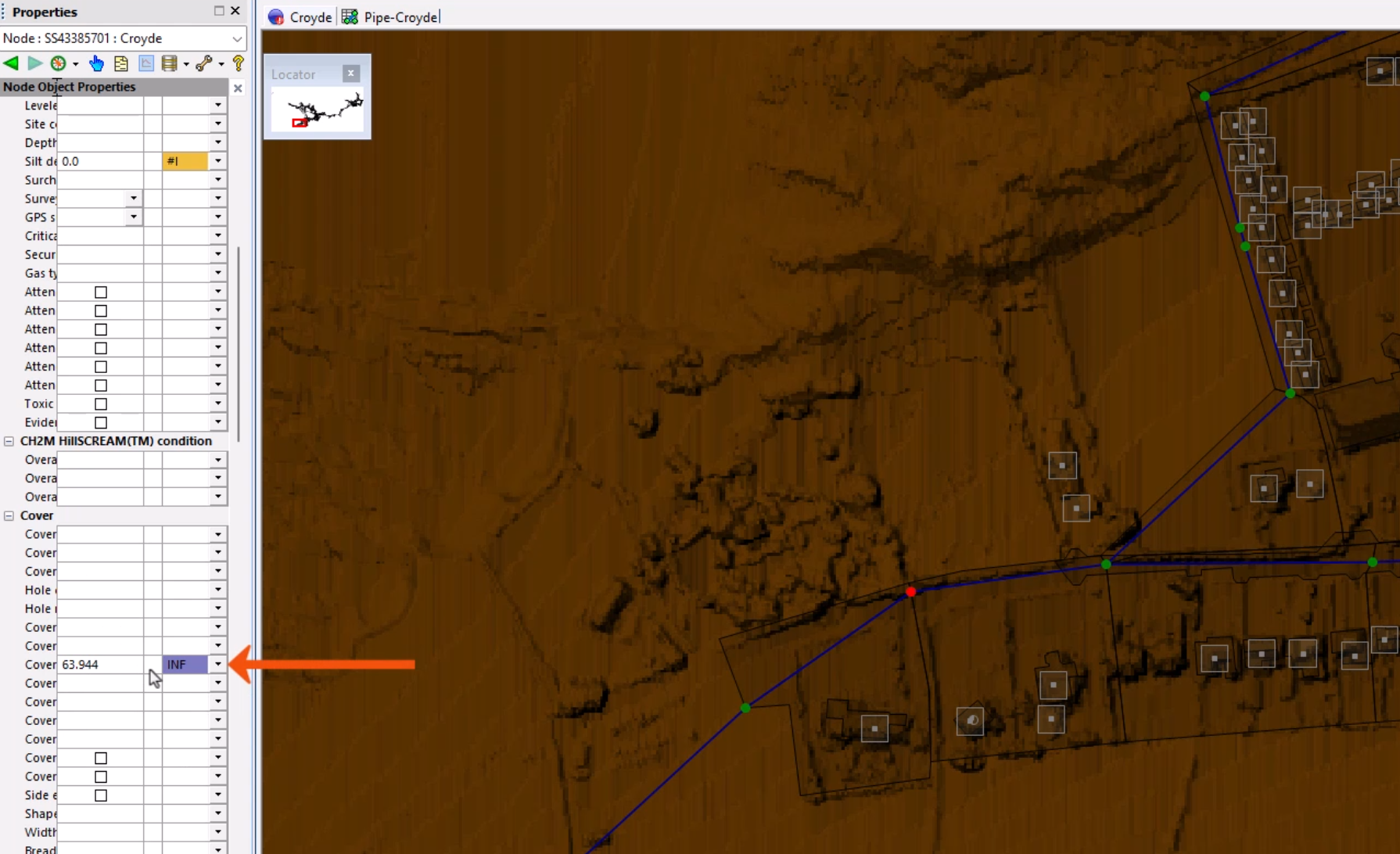
Review the data of some of the objects in the network to see that the missing values now appear, with the INF flag set.
- Click Commit changes to database to commit the changes to the network.
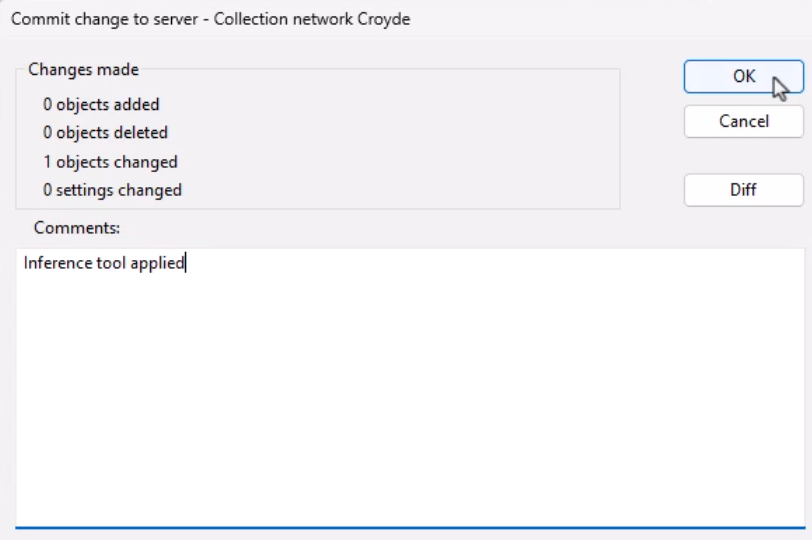
- Add a comment, such as “Inference tool applied”.
- Click OK.