Cloud-based software for 3D modelling
3D modelling with Autodesk Fusion
3D modelling with Autodesk Fusion
The 3D modelling tools in Fusion are a game changer, providing professionals and hobbyists alike with the power to bring their boldest ideas to life.
What is 3D modelling?
What is 3D modelling?
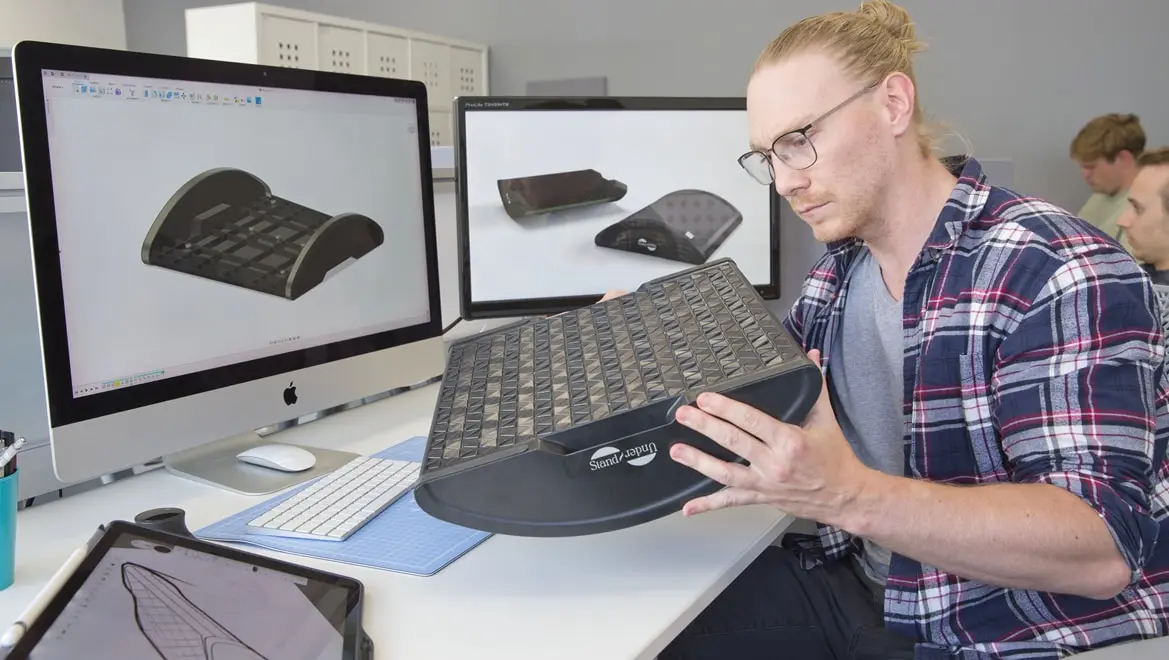
3D modelling is a crucial component of product design, engineering and manufacturing. It enables designers and engineers to create detailed virtual prototypes and test their functionality and performance before moving on to physical production. The resulting 3D models can be used to improve the design process, reduce errors and increase efficiency in manufacturing.
3D modelling is a crucial component of product design, engineering and manufacturing. It enables designers and engineers to create detailed virtual prototypes and test their functionality and performance before moving on to physical production. The resulting 3D models can be used to improve the design process, reduce errors and increase efficiency in manufacturing.
What is 3D modelling software?
What is 3D modelling software?
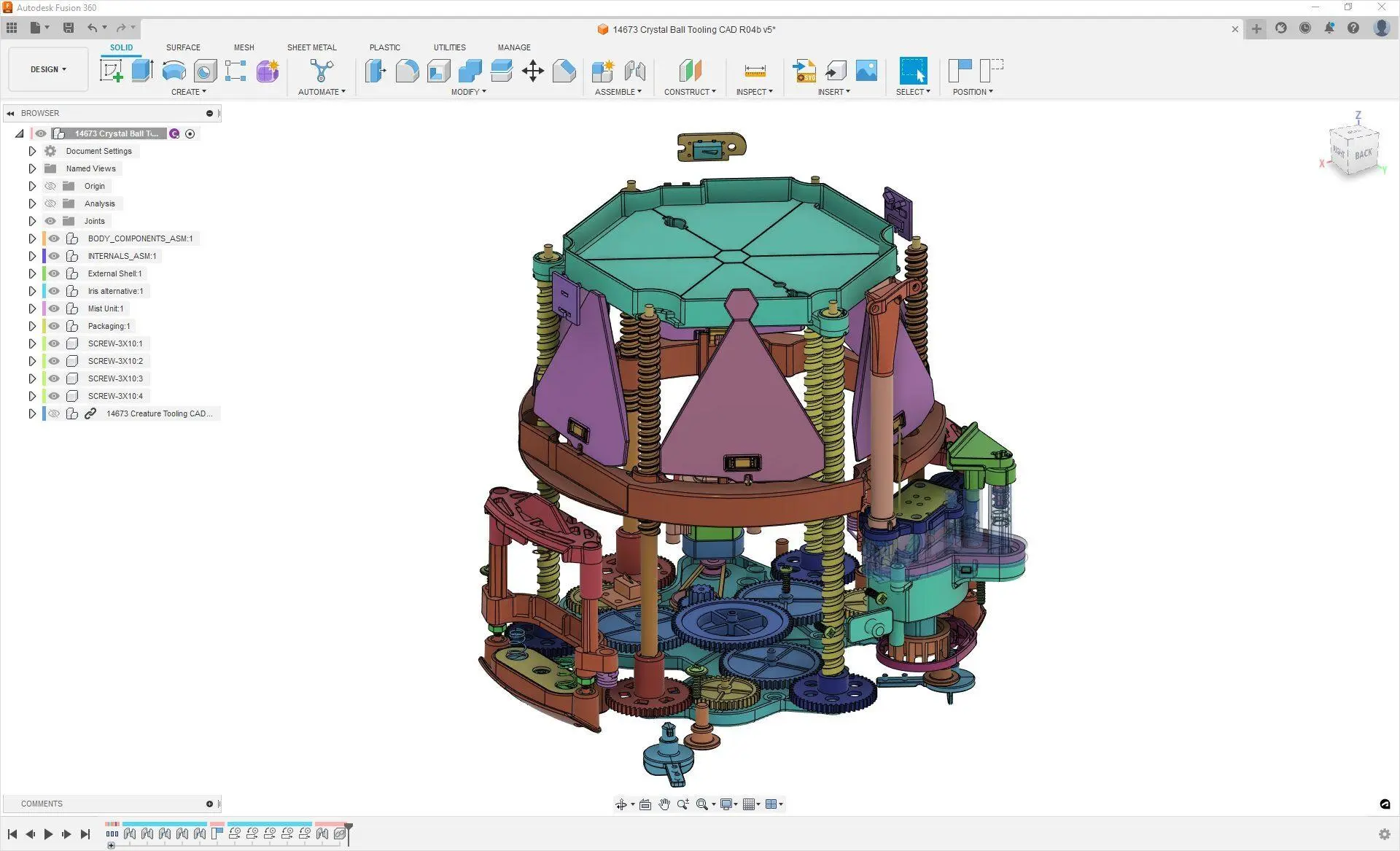
3D modelling software is a dynamic tool that enables the creation, manipulation and visualisation of digital 3D objects. It's pivotal in industries like architecture, animation, gaming and manufacturing, allowing professionals to design intricate models and structures. With features like sculpting, texturing and rendering, this software facilitates the creation of detailed and realistic 3D models.
3D modelling software is a dynamic tool that enables the creation, manipulation and visualisation of digital 3D objects. It's pivotal in industries like architecture, animation, gaming and manufacturing, allowing professionals to design intricate models and structures. With features like sculpting, texturing and rendering, this software facilitates the creation of detailed and realistic 3D models.
3D modelling for consumer product development
3D modelling for consumer product development
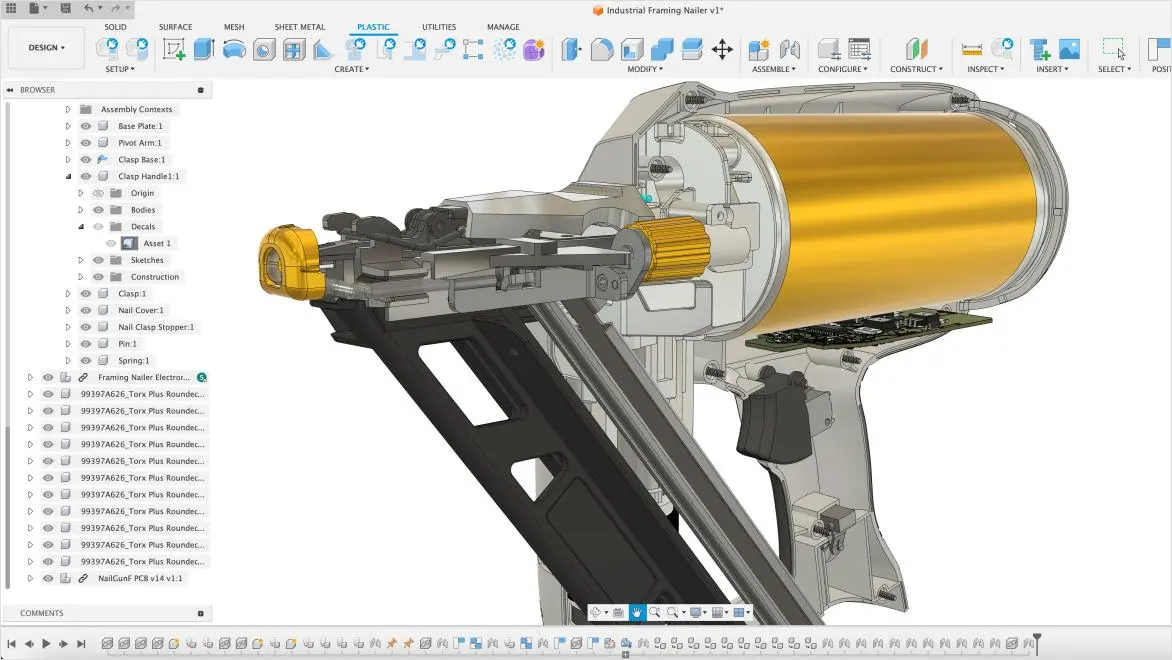
Product designers require solutions that help them bring consumer products to market faster and to easily transition from design to production. Autodesk Fusion enables the rapid development of consumer products with powerful 3D design capabilities.
Innovate with generative design and create photo-realistic renderings
Iterate faster with simultaneous collaboration capabilities
Simplify project communications with connected teams in one platform
Product designers require solutions that help them bring consumer products to market faster and to easily transition from design to production. Autodesk Fusion enables the rapid development of consumer products with powerful 3D design capabilities.
Innovate with generative design and create photo-realistic renderings
Iterate faster with simultaneous collaboration capabilities
Simplify project communications with connected teams in one platform
Benefits of 3D modelling in Autodesk Fusion
Comprehensive features
Comprehensive features
Fusion offers a wide range of professional level features to create 3D models, including sketching, surfacing, sheet metal and more.
Fusion offers a wide range of professional level features to create 3D models, including sketching, surfacing, sheet metal and more.
User-friendly interface
User-friendly interface
The Fusion interface is intuitive and easy to use, with accessible menus and toolbars that make navigation a breeze. Allowing anyone regardless of experience level to learn, deploy and utilise quickly.
The Fusion interface is intuitive and easy to use, with accessible menus and toolbars that make navigation a breeze. Allowing anyone regardless of experience level to learn, deploy and utilise quickly.
Collaboration tools
Collaboration tools
Collaboration tools (US site) in Fusion enable users to work together in real time, allowing for seamless sharing and feedback on designs.
Collaboration tools (US site) in Fusion enable users to work together in real time, allowing for seamless sharing and feedback on designs.
Accessible learning resources
Accessible learning resources
Autodesk Fusion provides a range of accessible learning resources that include videos, tutorials and community forums. Making it easy for both professionals and hobbyists to learn and improve their skills.
Autodesk Fusion provides a range of accessible learning resources that include videos, tutorials and community forums. Making it easy for both professionals and hobbyists to learn and improve their skills.
Industries that use Autodesk Fusion 3D modelling software
Explore and learn from the case studies of various industries utilising 3D modelling with Fusion.
Explore and learn from the case studies of various industries utilising 3D modelling with Fusion.

Sustainable kid-friendly headphones
Sustainable kid-friendly headphones
SUSTAINABLE MANUFACTURING
See how Batch.Works designs colourful, customisable headphones for kids with the planet in mind using 3D modelling features of Autodesk Fusion.
SUSTAINABLE MANUFACTURING
See how Batch.Works designs colourful, customisable headphones for kids with the planet in mind using 3D modelling features of Autodesk Fusion.

Customised asset-tracking solutions
Customised asset-tracking solutions
ASSET TRACKING & MANAGEMENT
Learn how Velavu leverages the 3D modelling capabilities of Autodesk Fusion to develop customised, award-winning, asset-tracking solutions that serve a broad spectrum of industries.
ASSET TRACKING & MANAGEMENT
Learn how Velavu leverages the 3D modelling capabilities of Autodesk Fusion to develop customised, award-winning, asset-tracking solutions that serve a broad spectrum of industries.
Modelling safer motocross helmets
Modelling safer motocross helmets
SPORTS EQUIPMENTS
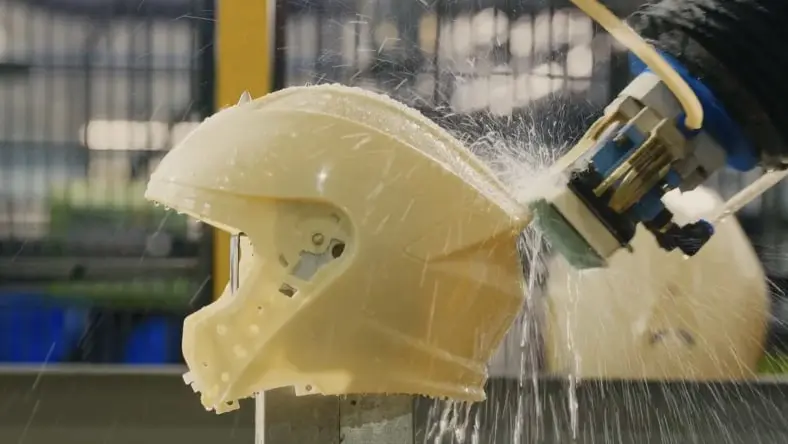
Discover how O'NEAL and Quintessential Design use Autodesk Fusion's 3D modelling capabilities to create a life-saving helmet equipped with precise crash detection for motocross and mountain biking.
SPORTS EQUIPMENTS
Discover how O'NEAL and Quintessential Design use Autodesk Fusion's 3D modelling capabilities to create a life-saving helmet equipped with precise crash detection for motocross and mountain biking.
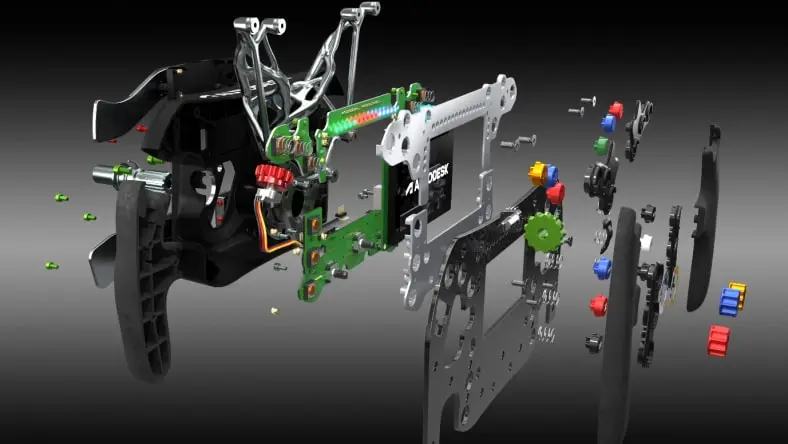
F1 inspired sim racing wheel development
F1 inspired sim racing wheel development
RACING EQUIPMENT MANUFACTURING
Discover how Autodesk Fusion's 3D modelling was utilised by a team to create an F1-inspired SIM racing steering wheel, demonstrating integrated product development.
RACING EQUIPMENT MANUFACTURING
Discover how Autodesk Fusion's 3D modelling was utilised by a team to create an F1-inspired SIM racing steering wheel, demonstrating integrated product development.
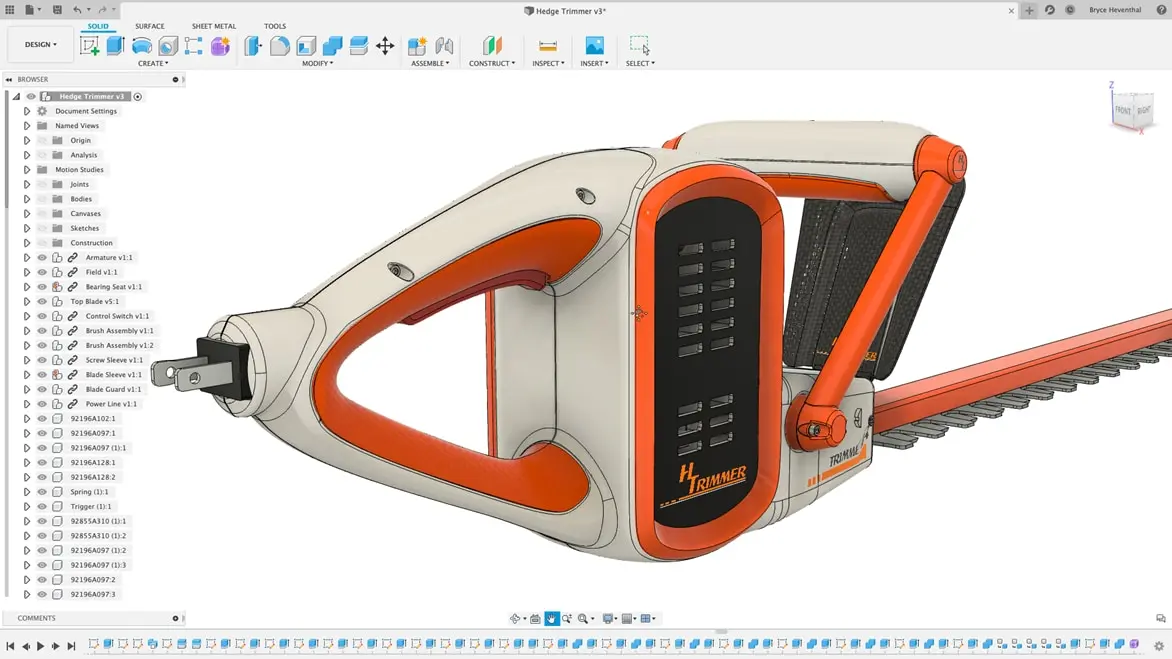
How do you make a 3D model in Autodesk Fusion?
How do you make a 3D model in Autodesk Fusion?
Autodesk Fusion offers multiple design spaces to create 3D models with capabilities like modelling, simulation, manufacturing, sheet metal, surfacing and mesh workspaces. After selecting the appropriate workspace, you can use multiple professional tools to create basic shapes for ideation. Drawings for product documentation, robust mesh tools for 3D scanned objects, surfacing for industrial design and even manufacturing models for the CAM environment. Then, refine your ideas using more features available in extensions – like product manufacturability insights from our Product Design Extension.
Autodesk Fusion offers multiple design spaces to create 3D models with capabilities like modelling, simulation, manufacturing, sheet metal, surfacing and mesh workspaces. After selecting the appropriate workspace, you can use multiple professional tools to create basic shapes for ideation. Drawings for product documentation, robust mesh tools for 3D scanned objects, surfacing for industrial design and even manufacturing models for the CAM environment. Then, refine your ideas using more features available in extensions – like product manufacturability insights from our Product Design Extension.
3D modelling tools in Fusion
Autodesk Fusion includes robust 3D CAD, CAM and CAE tools all in one package.
Autodesk Fusion includes robust 3D CAD, CAM and CAE tools all in one package.
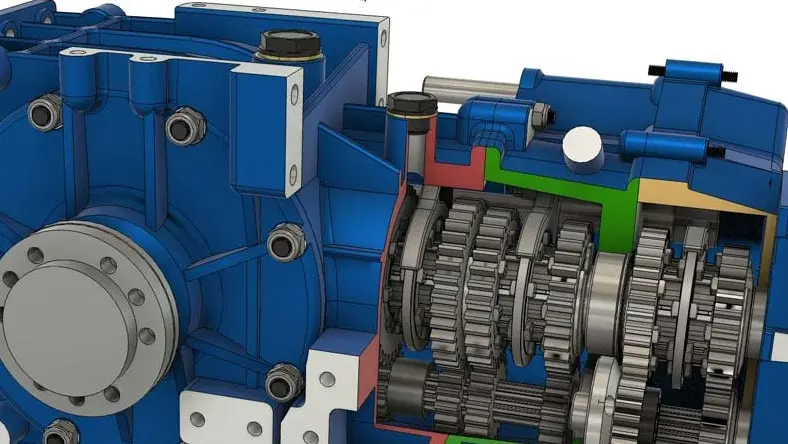
Direct modelling
Direct modelling
The direct modelling (US Site) tools in Autodesk Fusion allow you to modify the geometry of a model without having to edit the interim model stages. You can seamlessly make design changes without causing modelling errors.
The direct modelling (US Site) tools in Autodesk Fusion allow you to modify the geometry of a model without having to edit the interim model stages. You can seamlessly make design changes without causing modelling errors.
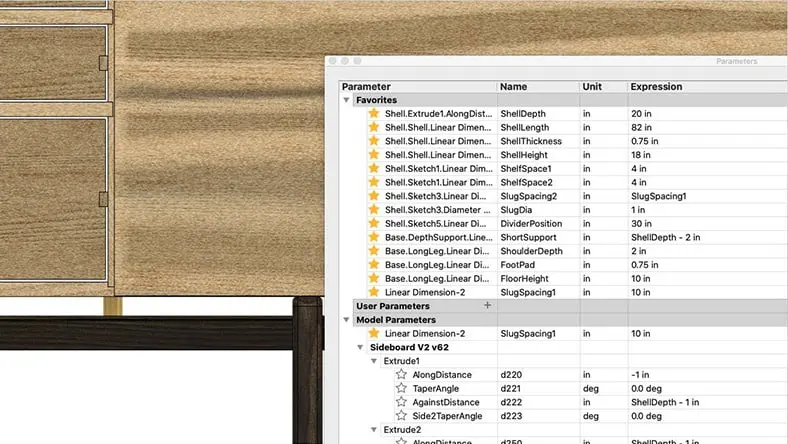
Parametric modelling
Parametric modelling
Autodesk Fusion fully supports parametric modelling (US Site), the automatic change of an entire design when one dimensional value changes. With Autodesk Fusion, you can quickly resize, add features and re-version a model and see the changes in real time.
Autodesk Fusion fully supports parametric modelling (US Site), the automatic change of an entire design when one dimensional value changes. With Autodesk Fusion, you can quickly resize, add features and re-version a model and see the changes in real time.
Surface modelling
Surface modelling
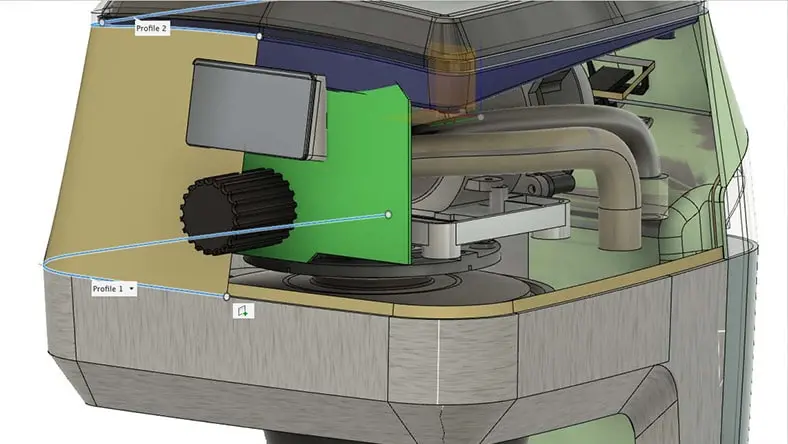
The flexible toolset in Autodesk Fusion makes 3D surface modelling (US Site) easy. Create the external aesthetics of an object using built-in tools like freeform sculpting, polygon manipulation and parametric modelling.
The flexible toolset in Autodesk Fusion makes 3D surface modelling (US Site) easy. Create the external aesthetics of an object using built-in tools like freeform sculpting, polygon manipulation and parametric modelling.

Freeform modelling
Freeform modelling
Freeform tools (US Site) provide an alternate modelling approach to explore and create T-spline based models in seconds using direct manipulation.
Freeform tools (US Site) provide an alternate modelling approach to explore and create T-spline based models in seconds using direct manipulation.

Mesh modelling
Mesh modelling
Edit and repair mesh files (US Site) inside your CAD tool. Use the mesh to make a sketch cross section, then add parametric features to the design.
Edit and repair mesh files (US Site) inside your CAD tool. Use the mesh to make a sketch cross section, then add parametric features to the design.

Sheet metal modelling
Sheet metal modelling
Autodesk Fusion includes tools to bend, edit and flat pattern sheet metal designs (US Site) . Capture all the steps to build sheet metal components and ensure their success through integration with our fabrication tools in the CAM environment.
Autodesk Fusion includes tools to bend, edit and flat pattern sheet metal designs (US Site) . Capture all the steps to build sheet metal components and ensure their success through integration with our fabrication tools in the CAM environment.
3D modelling in Autodesk Fusion tutorials
Introduction to 3D modelling
Introduction to 3D modelling
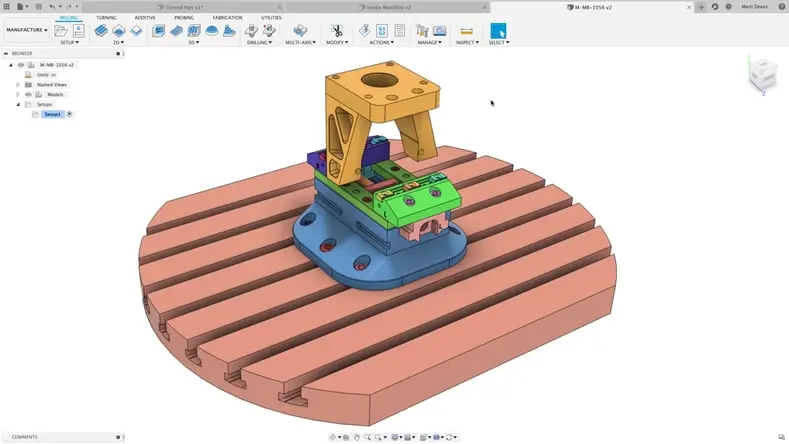
This beginner-level CAD video series focuses on the transition from 2D to 3D design.
This beginner-level CAD video series focuses on the transition from 2D to 3D design.
Solid 3D modelling basics
Solid 3D modelling basics
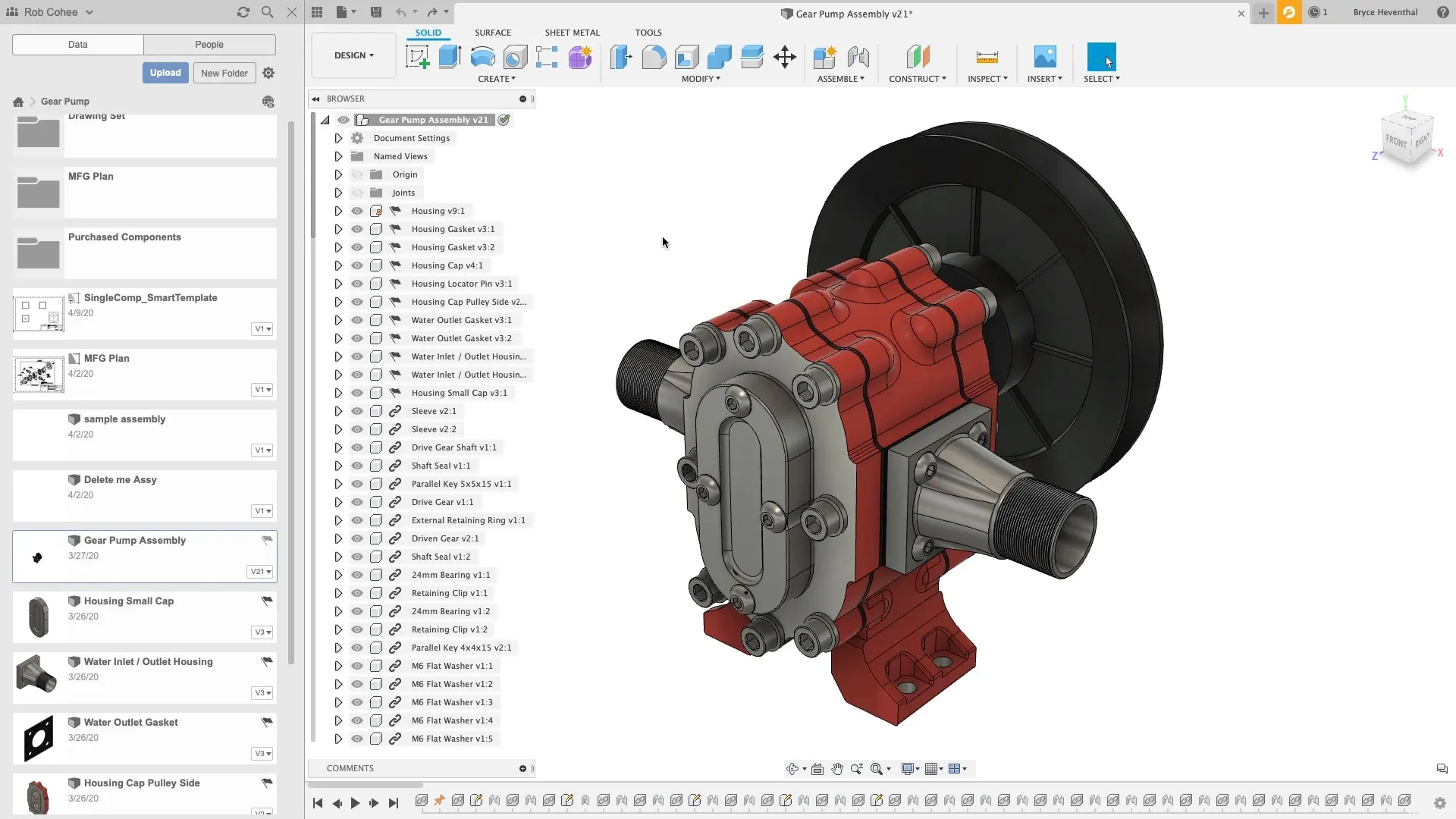
In this video series, you'll learn how to use the basic solid 3D modelling tools in Autodesk Fusion.
In this video series, you'll learn how to use the basic solid 3D modelling tools in Autodesk Fusion.
Mesh 3D modelling
Mesh 3D modelling
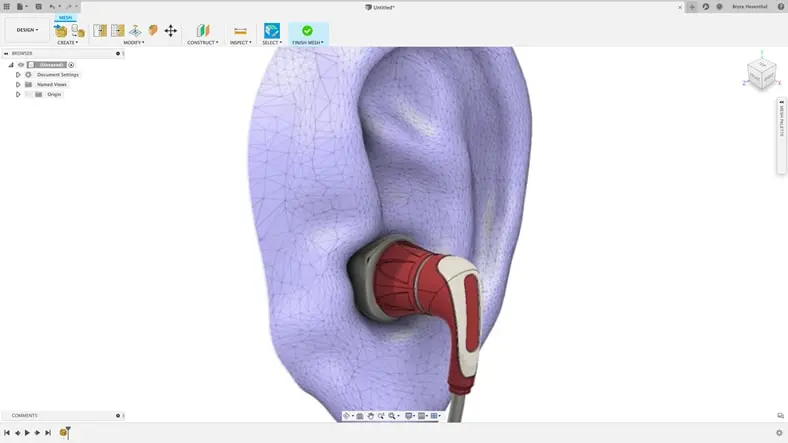
In this video series, you'll learn how to use parametric mesh 3D modelling tools in Autodesk Fusion.
In this video series, you'll learn how to use parametric mesh 3D modelling tools in Autodesk Fusion.
Autodesk Fusion 3D modelling resources
Autodesk Fusion gives you the flexibility to choose your preferred modelling method when it's most convenient in your product development process. You can even combine the tools to enhance workflow and reduce the amount of time it takes to complete designs.
Autodesk Fusion gives you the flexibility to choose your preferred modelling method when it's most convenient in your product development process. You can even combine the tools to enhance workflow and reduce the amount of time it takes to complete designs.
3D Modelling Software for Beginners and Beyond (US Site)
Learn what 3D modelling software is and why Autodesk Fusion is an ideal 3D modelling software for beginners and experts alike.
Learn what 3D modelling software is and why Autodesk Fusion is an ideal 3D modelling software for beginners and experts alike.
Autodesk Fusion is Flexible 3D Modelling and Design Software for Everyone (US Site)
3D modelling software like Autodesk Fusion is a growing commodity for a good reason. Learn what CAD is and how it benefits designers and engineers at all levels.
3D modelling software like Autodesk Fusion is a growing commodity for a good reason. Learn what CAD is and how it benefits designers and engineers at all levels.
4 Reasons 3D Modelling Software is Important in Design (US Site)
Learn about the benefits of incorporating 3D modelling software into your product design workflow, including real-time collaboration and more.
Learn about the benefits of incorporating 3D modelling software into your product design workflow, including real-time collaboration and more.
3 Tips to Boost your 3D Modelling Skills (US Site)
Experience the transformative power of Autodesk Fusion in PCB design workflows, offering real-time updates, dynamic simulations, unified file management and enhanced collaboration.
Experience the transformative power of Autodesk Fusion in PCB design workflows, offering real-time updates, dynamic simulations, unified file management and enhanced collaboration.
Why PCB Designers Need 3D Modelling Software (US Site)
Discover how Autodesk Fusion streamlines PCB design workflows with its real-time updates, simulation capabilities, seamless file management and enhanced collaboration features.
Discover how Autodesk Fusion streamlines PCB design workflows with its real-time updates, simulation capabilities, seamless file management and enhanced collaboration features.
Get Smart with Fusion: 3D Modelling Terminology (US Site)
Embark on a journey into 3D modelling, where you'll delve into the Autodesk Shape Manager's capabilities, see how Fusion generates shapes and enhance your skills by mastering key 3D modelling terminology.
Embark on a journey into 3D modelling, where you'll delve into the Autodesk Shape Manager's capabilities, see how Fusion generates shapes and enhance your skills by mastering key 3D modelling terminology.
Frequently asked questions about 3D modelling (FAQs)
Is Fusion a 3D modelling tool?
Yes, Fusion is a cloud-based 3D modelling, CAD, CAM, CAE and PCB software platform for professional product design and manufacturing.
What is the best software for 3D modelling?
Fusion is the only integrated 3D modelling tool of its kind that lets you explore design iterations quickly with easy-to-use cloud CAD software.
Is 3D modelling easy?
Fusion's user interface was designed to support fast learning. There are various step-by-step video tutorials and documentation to help you get started.
How much does Fusion cost?
Fusion is available by monthly , annual and three-year subscription. Purchase your subscription directly from the Autodesk store.
Is Fusion available for Mac?
Fusion from Autodesk is both PC- and Mac-compatible so you can use your preferred OS or both at no additional cost.
How do I create a new sketch in Fusion?
You can create a new sketch in Fusion by selecting an origin plane, a construction plane or an existing flat face. Then, click the Create Sketch button in the tool bar.
What file formats does Fusion support?
Fusion supports a wide array of file formats. For design files, it supports .f3d, .igs, .iges, .sat, .sab, .dwg, .dxf, .stp, .step, .stl, .fbx, .obj, .skp, .3dm, .zip, .rar, etc. For CAM files, it supports .cam360, .cps, .cnc, .nc, etc. For drawings, it supports .dwg, .dxf, .f3d, .pdf, etc. Learn more here (US Site).
Is there a student version of Fusion?
Yes, Autodesk provides Fusion free for students and educators for one year. They simply need to sign up with their educational email addresses to get access.