InfoDrainage
Autodesk InfoDrainage: Plan, design, and analyze drainage systems
What is Autodesk InfoDrainage?
Autodesk InfoDrainage delivers full design and analysis for drainage systems and lets you quickly create cost-effective, compliant designs.
Design and audit drainage systems quickly and confidently.
Deliver sustainable, cost-effective, and compliant designs.
Comply with drainage regulations with automated reporting.
What is Autodesk InfoDrainage?
Autodesk InfoDrainage delivers full design and analysis for drainage systems and lets you quickly create cost-effective, compliant designs.
Design and audit drainage systems quickly and confidently.
Deliver sustainable, cost-effective, and compliant designs.
Comply with drainage regulations with automated reporting.
Take the complexity out of drainage design
Seamless integrations to enhance the design process
Design and iterate with confidence
Take the complexity out of drainage design
Seamless integrations to enhance the design process
Design and iterate with confidence
InfoDrainage features
Sustainable and traditional drainage design
Create designs for traditional and sustainable drainage (SuDS), with tailored reports for compliance and faster review cycles.
Digital twins for drainage design
Support reviews by showing the accurate-to-reality extent of a pond, how the underdrain connects swales, and the exact lengths of pipes.
Civil 3D integration
Reduce rework and manual data transfer with integrated data exchange and round-tripping support to maintain 3D models for BIM compliance.
Analyze flows and flooding
Use built-in detailed hydraulic analysis for pipes, manholes, storage, and green infrastructure to reduce the risk of flooding downstream.
Templated designs
Speed up the design process and standardize submissions across teams with drag-and-drop templates set up to meet regulatory compliance.
Validate mistakes rapidly
Use validation to quickly spot highlighted errors and read warnings, with potential solutions proposed, reducing review cycles and rework.
Flexible reporting
Simplify compliance with custom drainage reports and templates for local regulations and requirements in a number of languages and units.
FHWA culvert analysis
Leverage built-in FHWA culvert analysis for USDOT projects and accelerate approvals with consistent, standards-based outputs.
All that work you've already done in CAD ... you can pull that directly out of InfoDrainage and into the model, and that saves an astronomical amount of time.
We were able to put the surface model into InfoDrainage, set the parameters of the deluge, and it told us exactly what we needed.
InfoDrainage's graphical profiles made getting customer buy-in and approval way easier.
We use InfoDrainage to ... compare pre- and post-development scenarios. This tells us everything we need to know about the system and how it will perform.
Resources for Autodesk InfoDrainage
See how easy it can be to embrace InfoDrainage for your drainage design needs.

Case Study
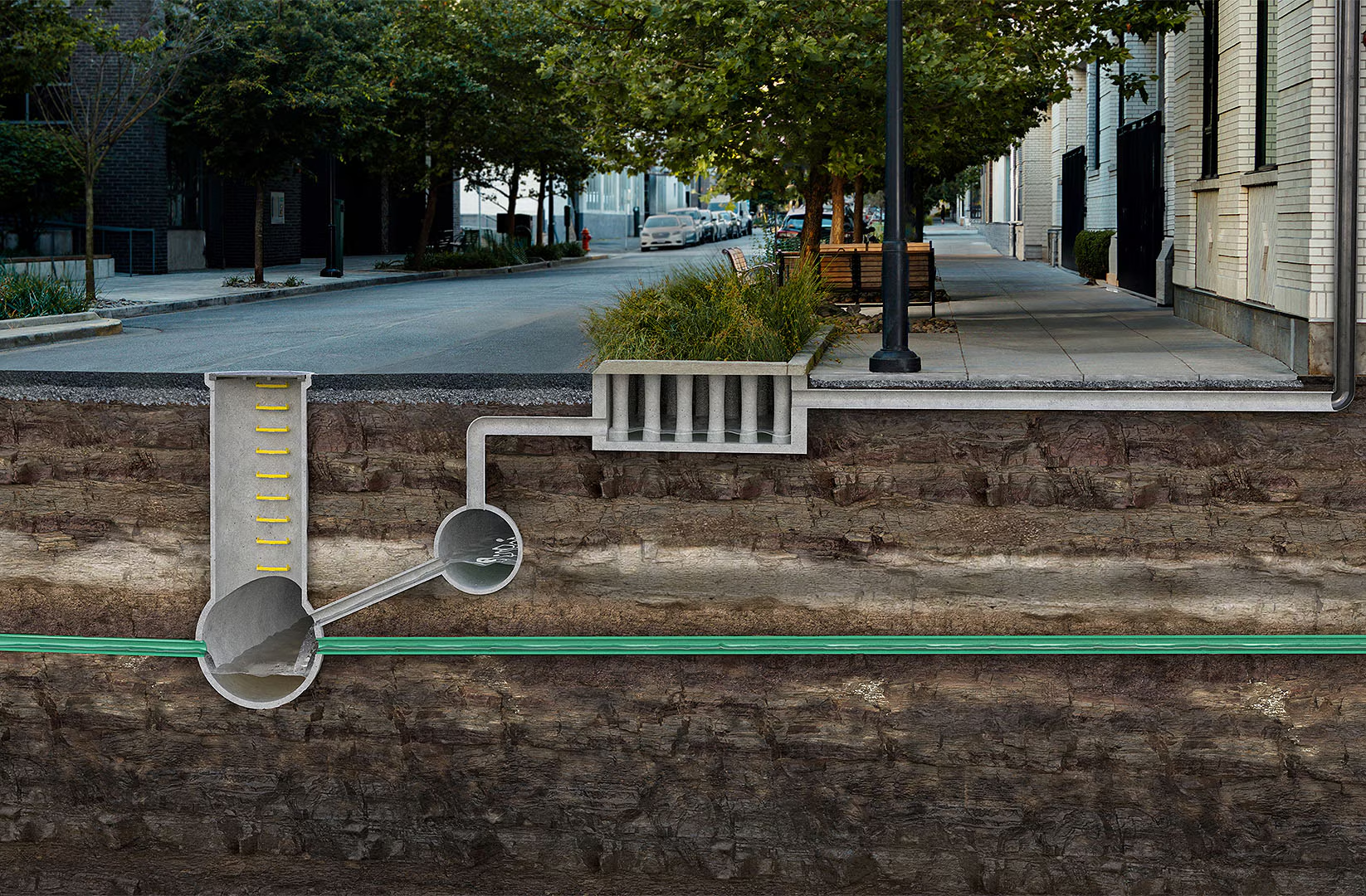
Protecting Charleston with modern drainage design
See how the City of Charleston used InfoDrainage for seawall improvements to help prevent flooding.
EBOOK
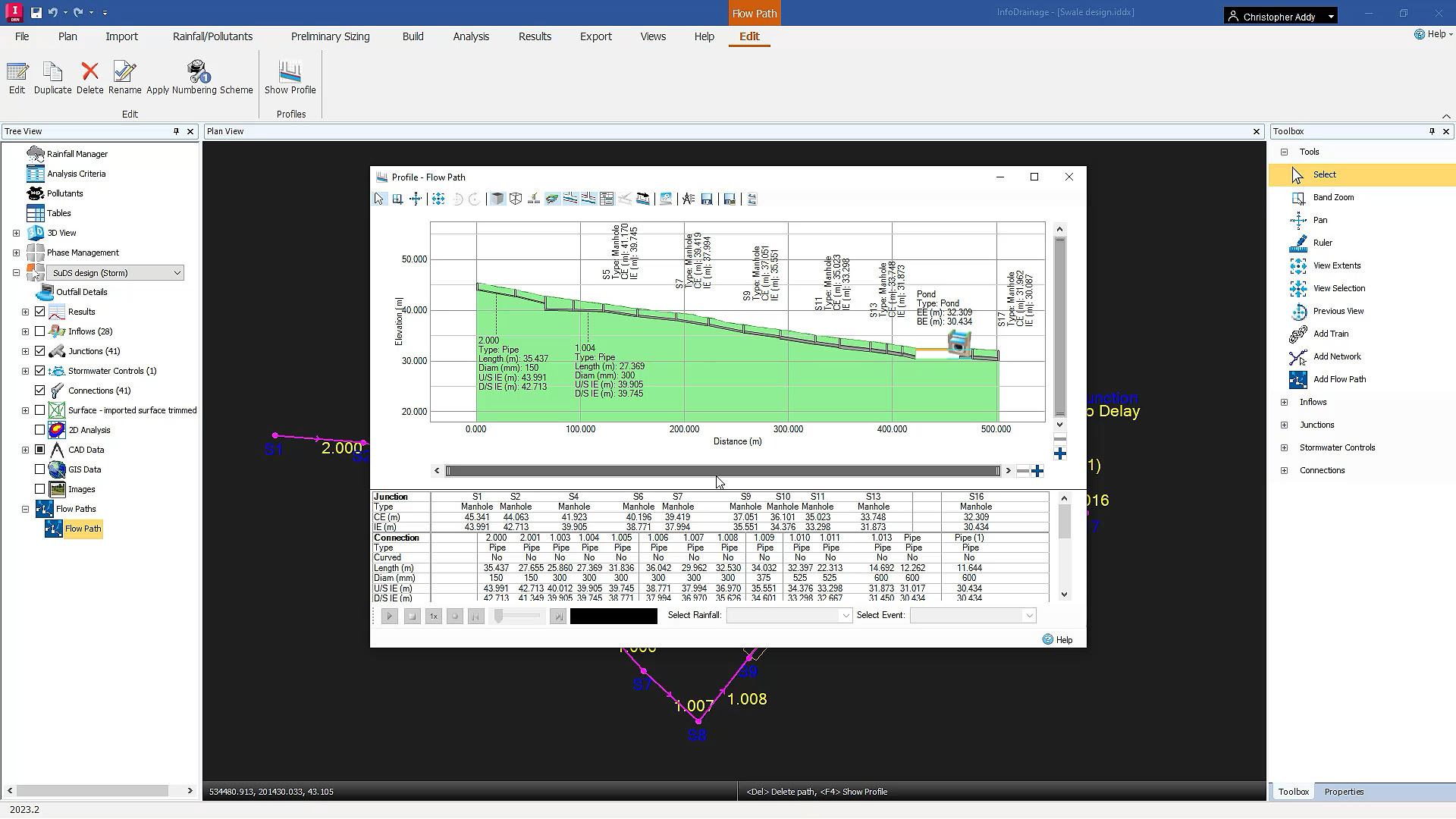
Switch to the smarter drainage design platform
Discover InfoDrainage integrations, automations, and support—and why switching is easier than ever.
LEARNING
Introduction to InfoDrainage: Free learning series
Explore pipe design, simulation, results analysis, and sustainable urban drainage in InfoDrainage.
PRODUCT ROADMAP
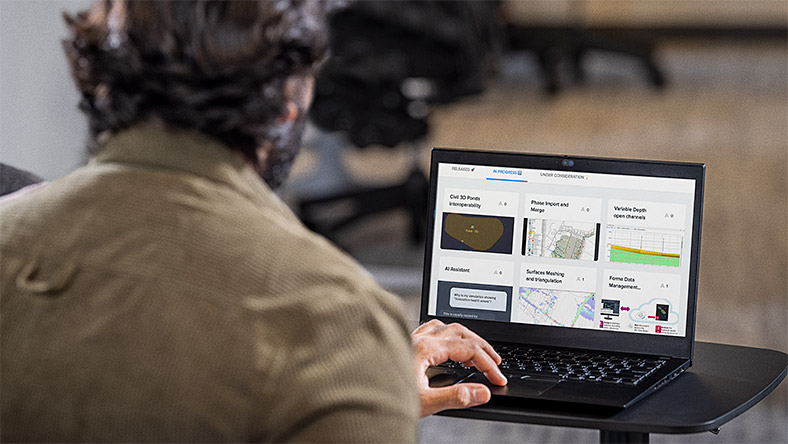
Autodesk Water Infrastructure Product Roadmap
See what enhancements are on their way and explore how Autodesk supports drainage design.
BLOG
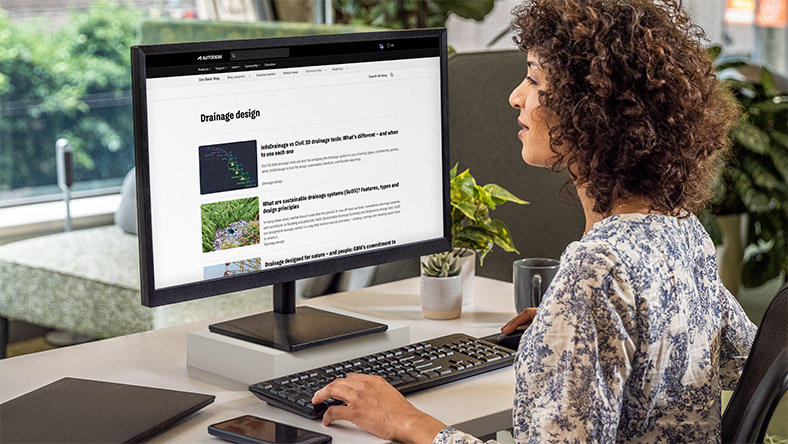
One Water Blog for drainage design
Explore how others use InfoDrainage and stay up to date about the future of water infrastructure.
Questions? We have answers.
Autodesk InfoDrainage lets you design, review, and approve sustainable drainage systems (SuDS), green infrastructure, and traditional drainage systems. InfoDrainage can help you design more clearly, richly, and confidently.
Autodesk InfoDrainage is a full design and analysis solution used by designers, developers, landscape architects, engineers, consultants, and planners.
In short, easier reviews. Autodesk InfoDrainage was created with approving authorities in mind and includes a host of functionality created to streamline design review workflows and to better analyze submissions. Please speak to your account representative about the various trainings, webinars, and other onboarding experiences that Autodesk offers.
Autodesk InfoDrainage runs on Windows®. See InfoDrainage system requirements for details.
Your Autodesk InfoDrainage subscription gives you access to install and use the three previous versions. Available downloads are listed in your Autodesk Account after subscribing. See also previous releases available for subscribers.
With a subscription to Autodesk InfoDrainage software, you can install it on up to three computers or other devices. However, only the named user can sign in and use that software on a single computer at any given time. Please refer to the Software License Agreement for more information.
InfoDrainage provides bi-directional data exchange with Civil 3D, enabling engineers to maintain alignment, surface, and pipe network data without manual re-entry or model recreation.
Yes. InfoDrainage includes flexible, standards-based reporting tools that support local drainage authority requirements and multiple languages and unit systems.
Yes. With integrated Civil 3D round-tripping and 3D model updates, InfoDrainage supports BIM-compliant workflows and coordinated infrastructure design.
The price of an annual InfoDrainage subscription is {{price.INFDU.1year}} and the price of a monthly subscription is {{price.INFDU.month}}. If you are interested in a pay-as-you-go option, please visit www.autodesk.com/flex to learn more.
This amount is Autodesk's suggested retail price (SRP) excluding freight, handling, and taxes for the specified product in your region. SRP is used for reference purposes only. Actual retail price may be subject to currency fluctuation. All Autodesk pricing is subject to change without notice.
Products you can trust
From payment flexibility to always-on support, expect excellence.


