Structural parameters
Any referenced datasets can be downloaded from "Module downloads" in the module overview.
Start a new structural family - Exercise
- Click File > New family. Navigate to the StructuralBeam.rte template file.
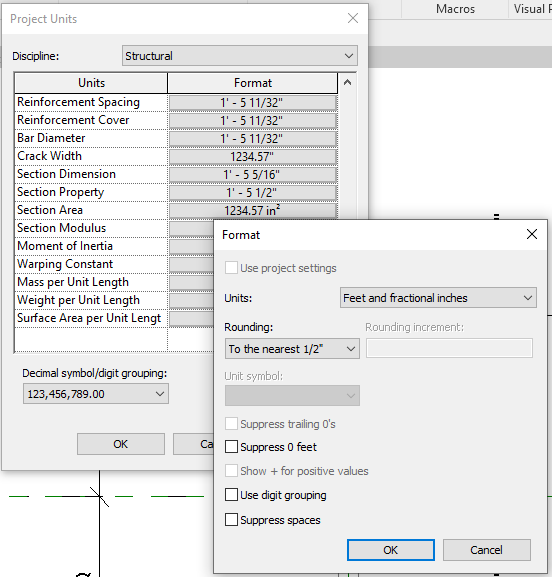
- On the Manage tab, select Project Units on the settings tab.
- Change Discipline to Structural and scroll down to Section Property. Change the units to Feet and fractional inches. Click OK.
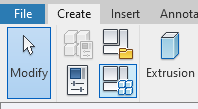
- In the properties panel, click on Section Shape, set it to I-shape Wide Flange, and click OK.

- Open the Family types dialogue box.
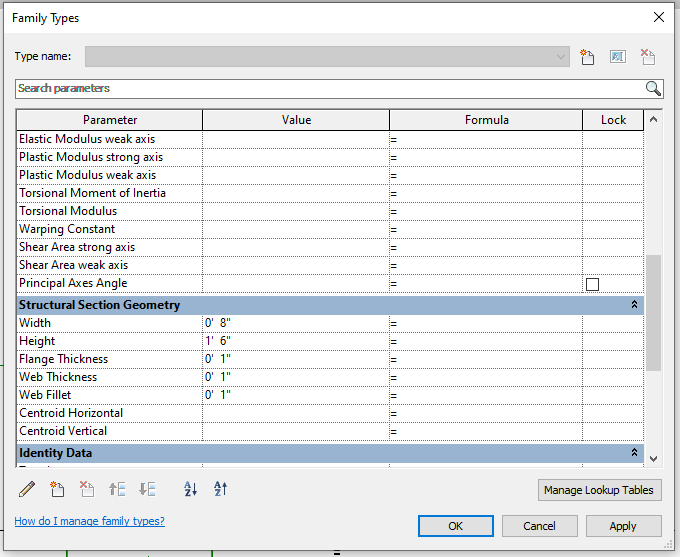
- Note that the parameters for the I-shape Wide Flange have been automatically created. The Dimensions / Structural Analysis and Structural Section Geometry are now consistent with the Section Shape.
- Set the following Values for the Structural Section Geometry and click OK.
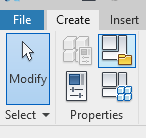
- Open the Family category and Parameters dialogue.
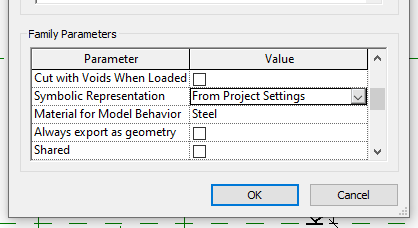
- Under the Family Parameters section, scroll down to Symbolic Representation and change to From Project Settings. Also verify that Material for Model Behavior is set to Steel. Click OK.
- Click File > Save, naming your family Wide Flange Beam.