Review commit versions of a network in InfoAsset Manager
Any referenced datasets can be downloaded from "Module downloads" in the module overview.
Review commit versions of a network in InfoAsset Manager
Step-by-step guide
In InfoAsset Manager, to save or share network changes made locally, commit them. Committing changes uploads them to the database and merges them with changes from other users as a new version. The commit history records each version of the network, and is useful even when working independently. The Commit History dialog enables changes to be viewed, compared, and rolled back.
To view the commit history:
- From the Explorer window, right-click the network and select Show Commit History.
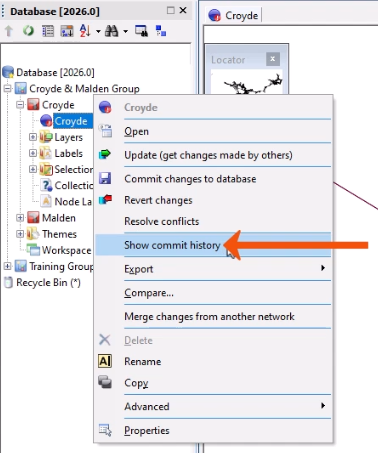
In the Commit history dialog, for each commit, there is a corresponding version number, date, user, and the number of changes made.
To view the details for a commit:
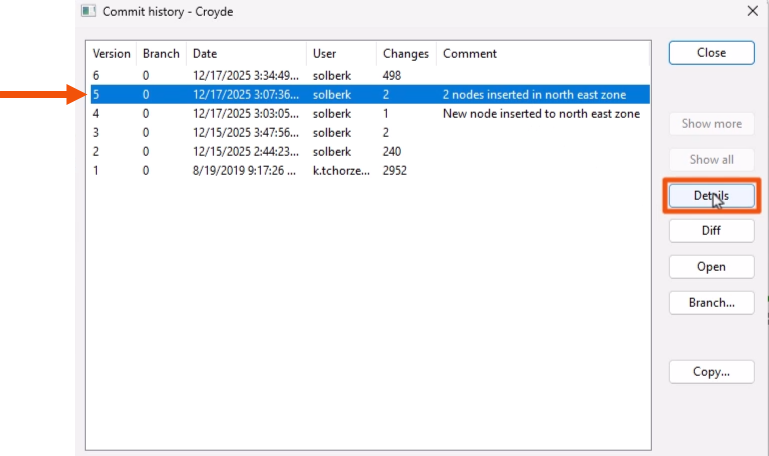
- Select an available version.
- Click Details.
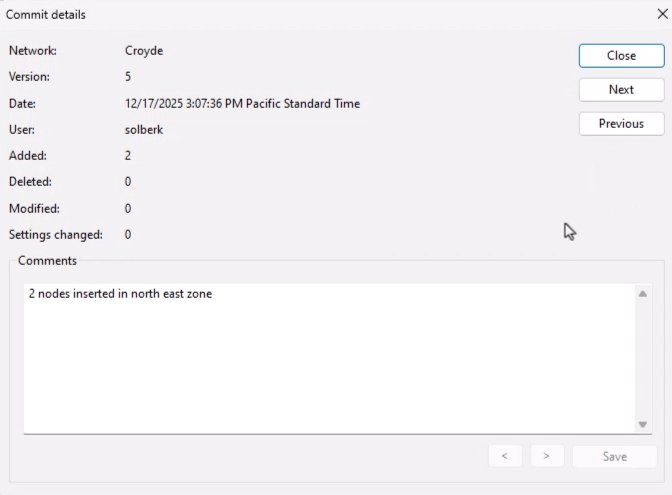
The Commit details dialog displays.
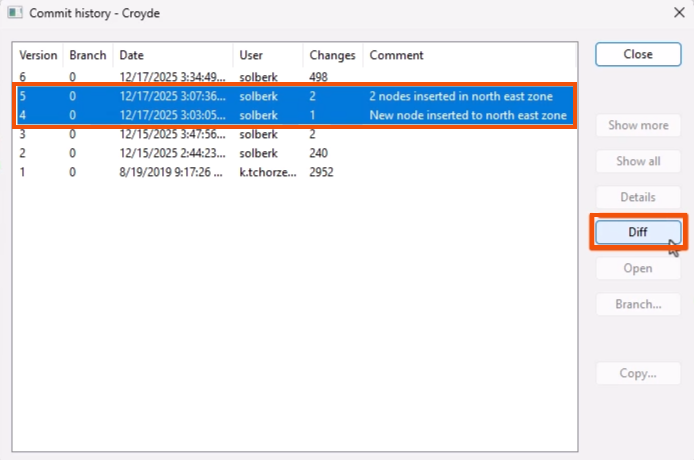
To compare the differences between two versions:
- Back in the Commit history dialog, multi-select the versions.
- Click Diff.
To open a read-only copy of a previous version of the network:
- Select a row in the Commit history dialog.
- Click Open.
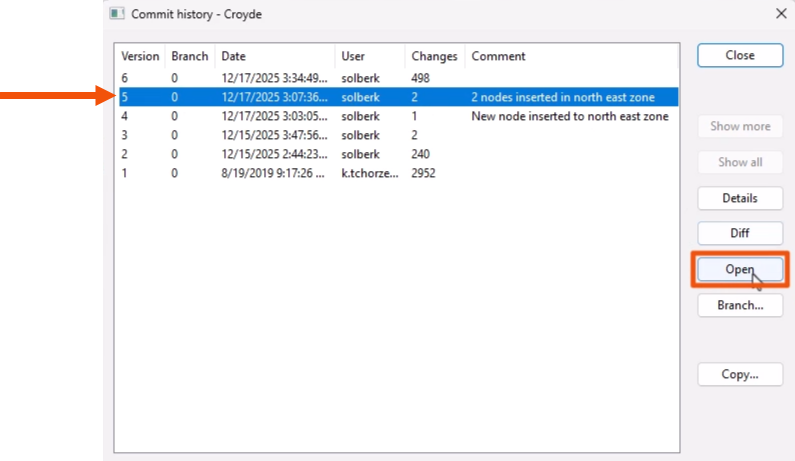
In a read-only version of the network, object properties can be viewed. While changes cannot be made, objects or settings can be copied. This can be useful, for example, to recover a deleted object needed for the most recent version.
To revert to a previous version of the network:
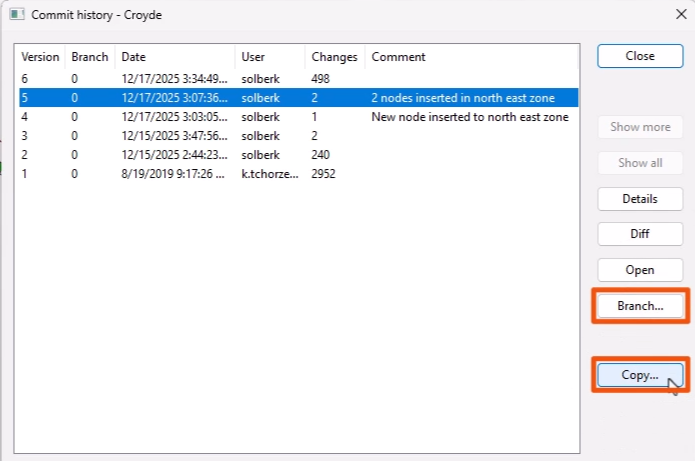
- Select Branch or Copy in the Commit history dialog.
- Branching a subnetwork from the existing model maintains the history between both networks.
- Copying starts a new network, which resets the history to version 1.