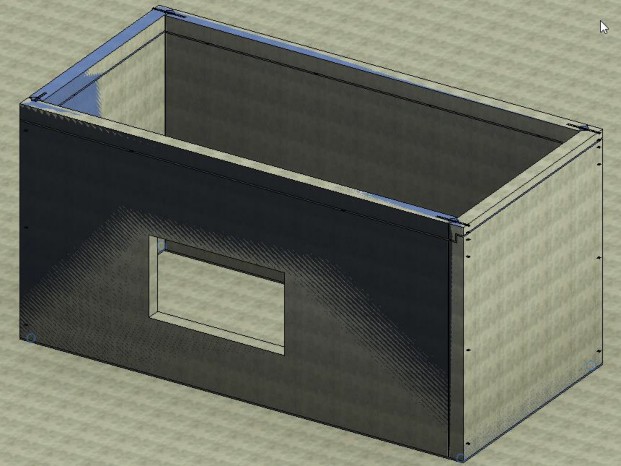
Splitting a precast panel
Any referenced datasets can be downloaded from "Module downloads" in the module overview.
Split a precast panel - Exercise
Revit has the capability to create precast elements.
- Open Revit then the file MEDICAL CENTER PARKING GARAGE.RVT (or open any Revit project you are working in).
- Go to a 3D view.
- On the Structure tab, go to the Opening panel.
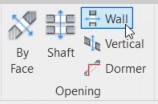
- Click the Wall Opening button.
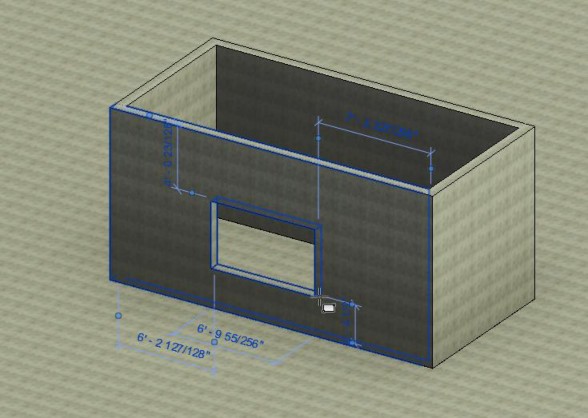
- Select the wall shown below.
- Create a rectangular opening similar to the opening below.
- Hold the Ctrl key and select all 4 walls.
- On the Precast tab, click the Split button.

- Click OK to load the families.
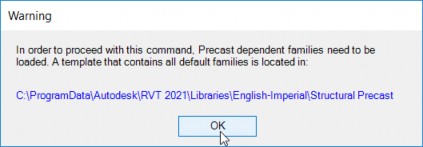
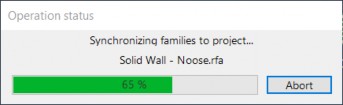
- Let the families load.
- Your walls are now precast panels.