


Description
BIM 360 Docs software helps us store and collaborate on construction documents with our stakeholders. With Desktop Connector, we can manage files in Document Management through a connected drive, so users can benefit from easy syncing of files and folders and offline working. This class will teach you how to set up and use Desktop Connector with BIM 360 Document Management, and how to troubleshoot the most common issues.
Key Learnings
- Learn how to manage construction documentation using Desktop Connector with BIM 360 Docs and Document Management.
- Learn how to set up Desktop Connector.
- Learn how to troubleshoot most common issues.
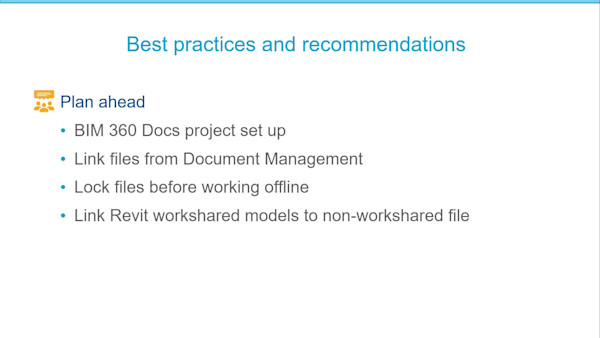
- Learn about good practices and get recommendations.
Downloads
Tags
Product | |
Industries | |
Topics |
People who like this class also liked


Instructional Demo
Revolutionizing the Submittal Log Creation Workflow

Instructional Demo
Connecting the Dots Between Office and Field Using BIM 360 Docs
Instructional Demo